Mastering Your Day: A Comprehensive Guide to the Best Planner Apps for iPad
In our increasingly busy lives, staying organized isn't just helpful; it's practically essential for maintaining sanity and achieving our goals. For many of us, the iPad has become an indispensable tool, a versatile device that can transform from an entertainment hub into a powerful productivity machine. What I've found, though, is that to truly unlock its potential for organization, you need the right planner app. It’s not just about jotting things down; it’s about creating a system that works seamlessly with your workflow, your habits, and your life.
I've spent a fair bit of time exploring the vast landscape of iPad planner applications, trying to figure out which ones truly stand out. It's not a one-size-fits-all situation, by any means. What works for a student might not be ideal for a project manager, and a creative professional will likely have different needs than someone focused solely on personal tasks. So, let’s dig into why the iPad is such a great device for planning and what I consider to be the top contenders in the app store.
Why Your iPad is a Productivity Powerhouse for Planning
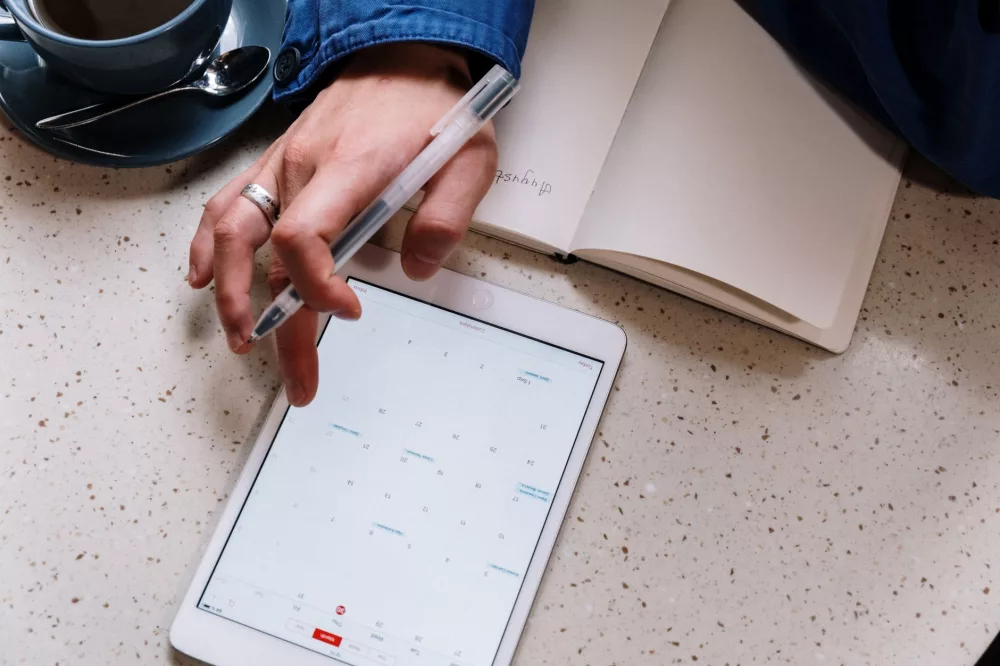
Before we even get to the apps, I think it’s important to appreciate why the iPad, specifically, is an excellent platform for digital planning. First off, there’s its sheer portability. I can take my iPad Pro with me everywhere, making my planner instantly accessible whether I'm at my desk, in a coffee shop, or traveling. Then there’s the incredible Apple Pencil; it truly revolutionized how I interact with digital documents and planning tools. The tactile sensation of writing or drawing directly onto the screen feels remarkably natural, bridging the gap between traditional paper planners and the digital world.
Furthermore, the iPad's vibrant display makes calendars and to-do lists visually appealing, which, let's be honest, can make planning feel a little less like a chore. The entire Apple ecosystem also plays a huge role. Seamless syncing across my iPhone, Mac, and iPad means my plans and tasks are always up-to-date, no matter which device I'm using at the moment. This interconnectedness is a serious game-changer for maintaining consistency in my planning efforts.
Key Features I Look for in a Great iPad Planner App
When I'm evaluating a planner app, I’m not just looking for something that lists tasks. I'm searching for a comprehensive tool that can genuinely enhance my productivity. Here are some of the critical features I always consider:
Customization & Flexibility
I believe a planner should adapt to you, not the other way around. This means I want apps that offer significant customization options, from changing layouts and colors to creating custom templates. The ability to use different pen styles, highlighters, and even custom stickers makes the experience feel more personal and engaging. For digital bullet journal enthusiasts, this level of flexibility is absolutely key.
Integration Capabilities
In today's digital world, our tools rarely exist in isolation. I appreciate apps that integrate smoothly with other services I use, like my calendar (Apple Calendar, Google Calendar, Outlook Calendar), cloud storage (iCloud Drive, Dropbox, Google Drive), and even other productivity apps. Syncing across devices is non-negotiable for me, ensuring my information is always current.
User Interface & Experience (UI/UX)
A planner app, no matter how powerful, is useless if it’s frustrating to use. I prioritize apps with intuitive interfaces that are easy to navigate. Actions like adding a new task, scheduling an event, or moving items around should be straightforward. I also like a clean, uncluttered design that helps me focus on my tasks without unnecessary distractions.
Advanced Features
While the basics are important, some apps go above and beyond. I'm often impressed by features like natural language input (e.g., typing “meeting tomorrow 3 pm” and having it automatically schedule), robust search capabilities, recurring task management, location-based reminders, and perhaps even collaboration tools for team projects. These often separate the good apps from the truly great ones.
My Top Picks: A Deep Dive into the Best iPad Planner Apps
Okay, with those criteria in mind, let’s talk about some of the apps that have truly impressed me. I've personally used most of these extensively, and I've seen how they benefit different types of users.
GoodNotes 5/6
- What I love about it: If you're coming from a paper planner background, GoodNotes is likely to be your best friend. It excels as a digital notebook, allowing you to import PDF planners, create your own layouts, and write directly on them with the Apple Pencil. The writing experience is incredibly fluid, making it feel very much like pen on paper. I often use it for sketching ideas, annotating documents, and creating custom journal pages. Its search function even recognizes your handwriting, which is pretty amazing.
- Best for: Digital bullet journalers, students, creatives, anyone who loves handwritten notes and highly customizable planning.
Notability
- What I love about it: Notability also offers a fantastic note-taking experience with the Apple Pencil, similar to GoodNotes. Where it really shines for me, though, is its audio recording feature synced with your notes. This is a lifesaver for students attending lectures or professionals in meetings; I can record the audio and my handwritten notes simultaneously, and then tapping on a note replays what was said at that exact moment. It’s just incredibly clever.
- Best for: Students, meeting attendees, anyone needing to combine handwritten notes with audio recordings for comprehensive planning and review.
Things 3
- What I love about it: Things 3 is a masterclass in elegant task management. It embraces the Getting Things Done (GTD) methodology with grace, offering a clean, intuitive interface that makes organizing tasks a breeze. I appreciate its focus on